RCT UpLIFTing your Experience

The implementation of the Destination Control System (DCS) for all office zones will be completed by the end of December 2024.

This compilation addresses clarifications surrounding DCS, its usage, and how you will experience it once it is completed.


User Journey Guides for all zones


Upcoming...


Digital Screens and Demo Booths

Digital screens will be installed from 15 December 2024 to 12 January 2025.

Main Lobby

Retail entrance lobby


Timeline in a glance

RCT DCS Timeline

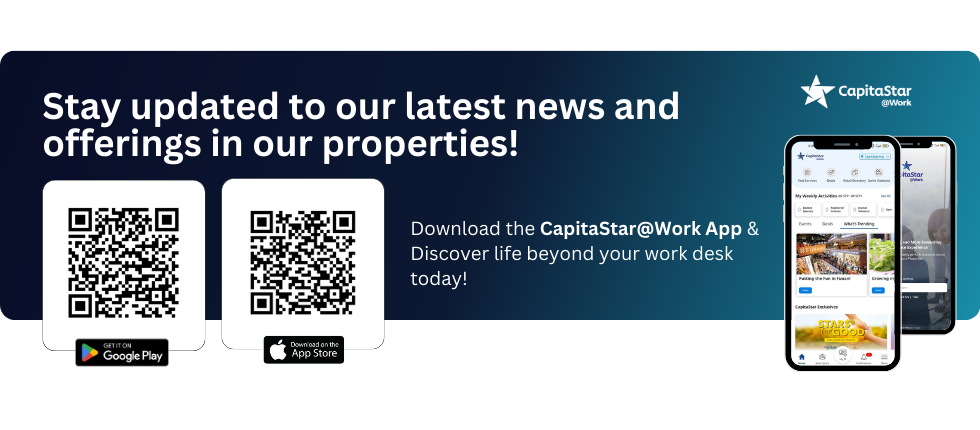
Find out more about CapitaStar@Work mobile app

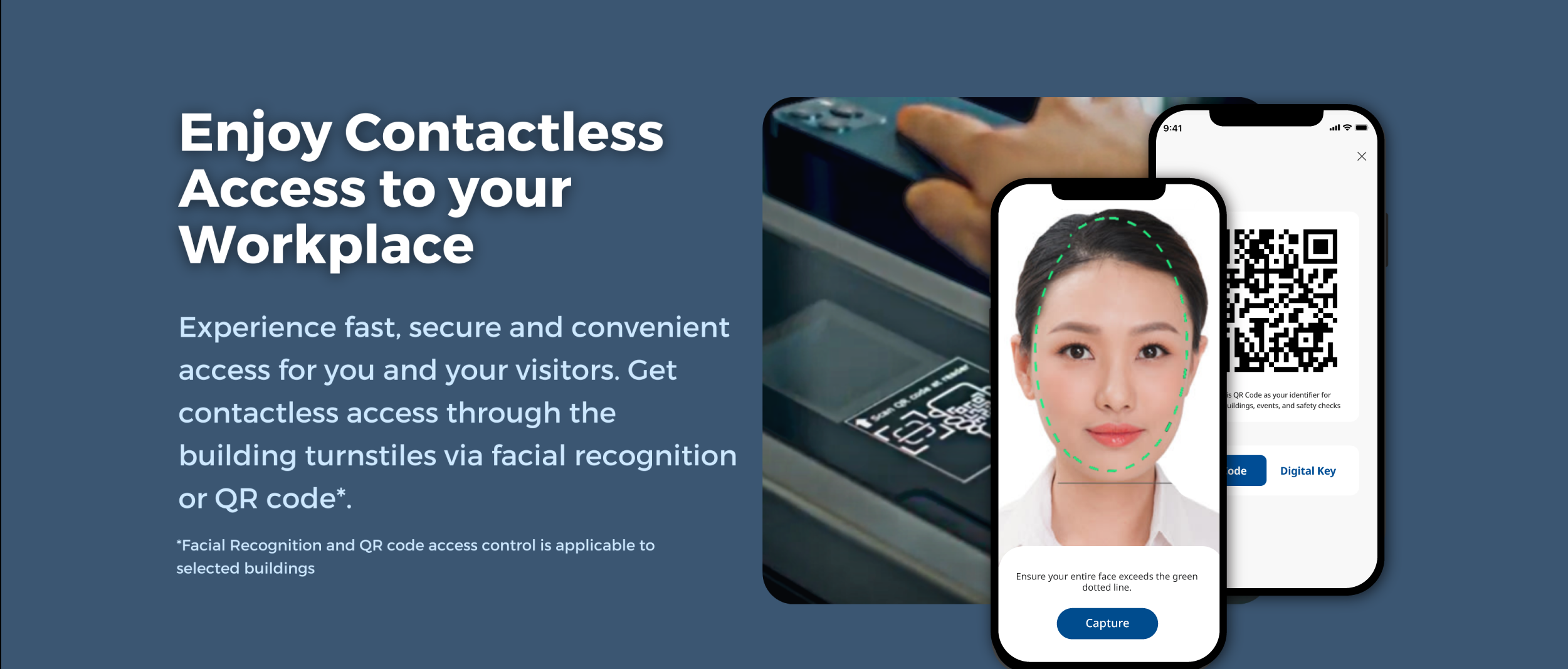
Our Facial Recognition (FR) and Quick Response (QR) code are powered by our Workspace Experience App, CapitaStar@Work. 

Click on the banner to find out more!

CSW
CS@Work

Frequently Asked Questions

The Destination Control System (DCS) is designed to improve the efficiency of lift operations and reduce passenger waiting times. It is particularly beneficial in large buildings with a high volume of lift calls, ensuring rapid, safe, and timely transportation of passengers.

Unlike conventional lifts, DCS calculates the most efficient route to your destination by considering the desired floor and the number of waiting passengers. The system automatically distributes and pre-assigns passengers to specific lifts, thereby reducing travel time and the number of stops, resulting in faster access to the desired floor.

DCS plans the entire journey from the moment passengers access the building through the turnstile, reducing waiting times by grouping passengers heading to the same floor, thus minimizing travel time.

Additionally, DCS enhances building security by preventing unauthorized visitors or tenants from accessing specific floors, as it limits floor access through the use of the lifts.

Use the Destination Operating Panel (DOP) located in the main lobby and either rescan your face using the facial recognition system, scan the QR code, or tap your card. Then, register the desired floor, and the DCS will assign a lift within that zone to take you to your destination.

Use the Destination Operating Panel (DOP) located at L1 and select L17/L28 without needing to scan or tap your card to call an assigned transfer lift. Once you arrive at L17 or L28, go to the DOP and either scan your face, scan the QR code, or tap your card. The DCS will then assign a lift to take you to your desired floor.

Use the Destination Operating Panel (DOP) located in the main lobby and scan the QR code. The DCS will then assign a lift to take you to your desired floor.

Tenants should obtain a Visitor QR code from the client. Scan the QR code at the Destination Operating Panel (DOP) located in the lift lobby and select your desired floor. Once you do so, a lift will be assigned to take you to your chosen floor.

There is no need to tap your card when you want to exit the building. Simply select "L1 Lobby" on the terminal and a lift will be assigned to you.

Use the Destination Operating Panel (DOP) located after the turnstile access at L1 to scan your face, scan the QR code, or tap your card. Then, select the floor you wish to access, and a lift will be assigned to take you to that floor.

Facial recognition capabilities are only available at the DOPs located in the L1 main lobby, and on the L17 and L28 transfer floors. However, QR code and card readers will be installed on every floor.

For tenants who wish to adopt facial recognition readers on their specific floors, please note that these installations will be chargeable to the tenant. For more information, please contact the Centre Management Office at 6336 7474.

The Destination Control System (DCS) operates 24 hours a day, 7 days a week.

If you have entered a lift by mistake and/or without an assignment, the appropriate action to take depends on your access method.

  • QR / Card Access: Simply scan your QR code or tap your card at the terminals located at the lift lobby on any floor to select your desired floor. Once you do so, a lift will be assigned to take you to your chosen floor.

  • Facial Recognition Access: You will need to return to one of our main lobbies or transfer lobbies at L17 or L28 to select your floor.

Each lift may have been assigned a different travel direction before you place the call. Additionally, the system considers the distance you must travel to reach the assigned lift, so it may assign you a closer lift to ensure you arrive within the opening time.

Please report to the L1 concierge and seek assistance, or call the management office at 6336 7447 / 6338 9229 (available 24 hours).

It is very rare for calls to be cancelled. Should this happen:

  • QR / Card Access: Simply scan your QR code or tap your card at the terminals located at the lift lobby to select your desired floor, and a lift will be assigned to you.
  • Facial Recognition Access: You will need to return to one of our main lobbies to select your floor.

This is not possible, as each user can only be assigned once by the system.

Users should contact their Tenant Administrator, who can update the default floor on the Access Portal.

There will be no changes in the Visitor Invitation process by Tenant Administrators through the Access Control Portal. Tenants will need to input the floor for their visitors to ensure a seamless journey to the designated floor.

If the lift you entered leaves earlier than your assigned lift, you will arrive earlier and may not see your assigned Passenger Lift when you arrive at L17 / L27. You may need to wait for your assigned Passenger Lift to appear on the TV screen.

If the lift you entered leaves later than your assigned lift, you may miss your Passenger Lift when you arrive at L17 / L27. In this case, go to the terminals located at the Passenger Lift lobby, scan your face / scan your QR code / tap your card, and select your floor again to get a new assigned lift.

If the lift you entered leaves earlier than your assigned lift, you will arrive earlier and may not see your assigned Passenger Lift when you arrive at L17 / L28. You may need to wait for your assigned Passenger Lift to appear on the TV screen.

If the lift you entered leaves later than your assigned lift, you may miss your Passenger Lift when you arrive at L17 / L28. In this case, go to the terminals located at the Passenger Lift lobby, scan the QR code, and select your floor again to get a new assigned lift.

The Destination Control System (DCS) takes into consideration the passenger travel time from the registration terminals to the lift car and automatically prolongs the opened lift door to ensure all assigned passengers can board.

If a passenger confirms that no other passengers will be boarding the same lift car, they may use the close button at the Car Operating Panel (COP) to close the door.

Need more info?
For any enquiries, please contact the Centre Management Office at 6336 7474.